Your POS. Your screens. Always in sync.
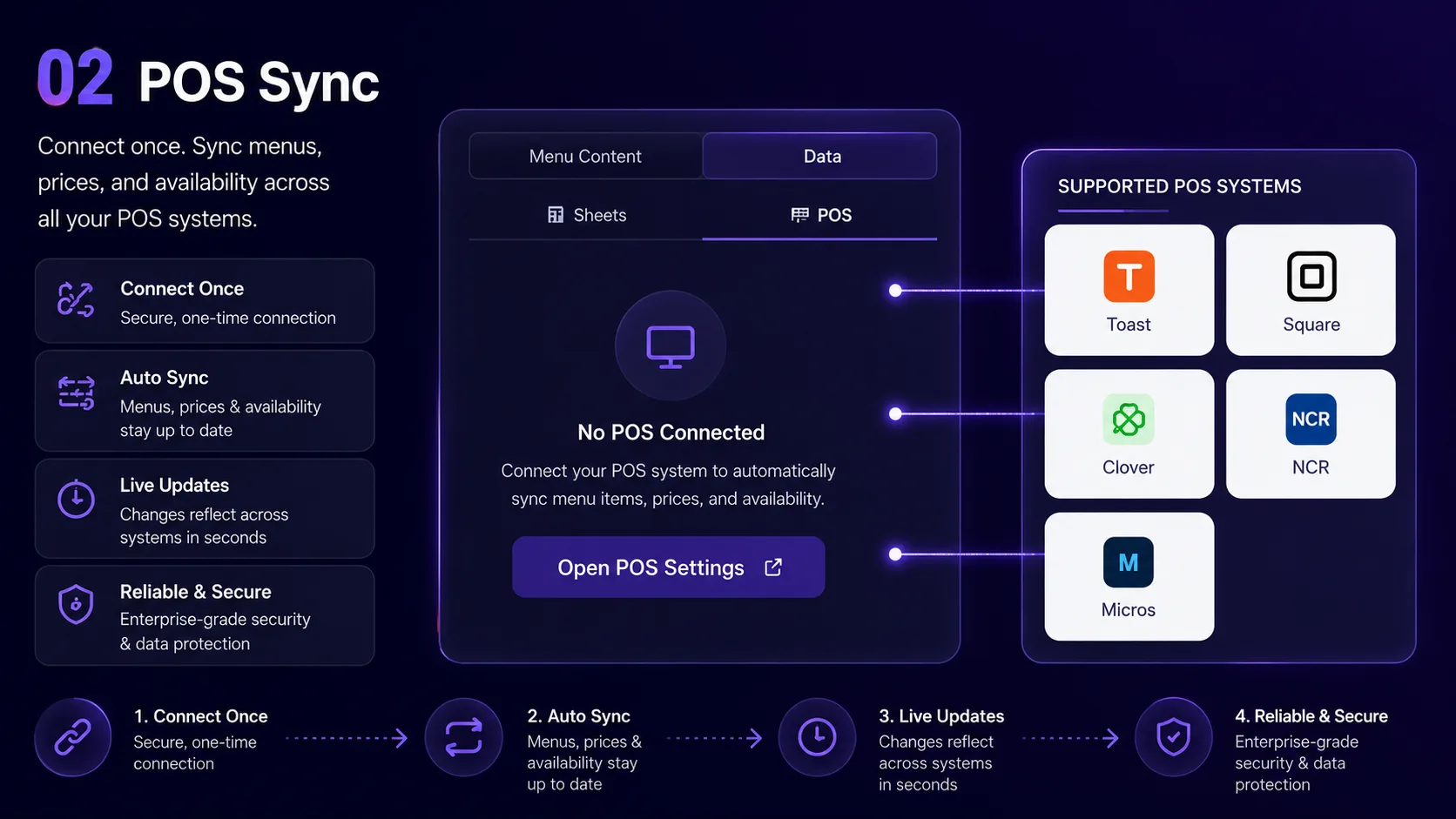
Change a price in Square and your boards follow. Connect your POS with no custom development.
Ways to connect
Native (OAuth)
Connect with OAuth or your own API keys.
Webhooks & Custom
Anything else — drive screens via REST or webhook.
The tills we connect to.
Click any logo to see the setup guide.
 Toast
Toast Square
 Clover
 Lightspeed
 Revel
Revel TouchBistroLoyverseEpos Now
 SpotOn
 LavuAloha / NCR
 Oracle MICROS
 Google SheetsAny POS (CSV or JSON)
 Android TV
 Fire TV
 Raspberry Pi
 Windows
 macOS
macOS Linux
LinuxHow sync works
Integration FAQs
Which POS systems do you support?
Square is live in production. Connectors for Toast, Clover, Lightspeed, Revel, TouchBistro, Loyverse, Epos Now, SpotOn and Lavu are built but not yet verified on a live account; Aloha/NCR and Oracle MICROS need a partner agreement first. Google Sheets works too, and if your till is not listed, a scheduled CSV or JSON export does.
How long does setup take?
Square connects with OAuth in a few clicks. Other connectors take your API credentials or a scheduled CSV export. Aloha/NCR and Oracle MICROS need a partner agreement first.
What if my POS is not supported?
Using a POS we don't support? Tell us. Meanwhile a scheduled CSV export or a Google Sheet works.
Does the sync go both ways?
No — MenuPi reads from your POS. Editing prices in Studio doesn't write back to the POS. The POS stays the source of truth for pricing and 86 status.
Connect your POS today
Free tier includes full POS access. No extra integration fees.