Design like a pro. No designer required.
Drag-and-drop editor with restaurant templates. Update pricing, swap images, schedule dayparts — all without touching Photoshop.
A canvas built for menus
Five feature clusters mapped to the screens you actually use.
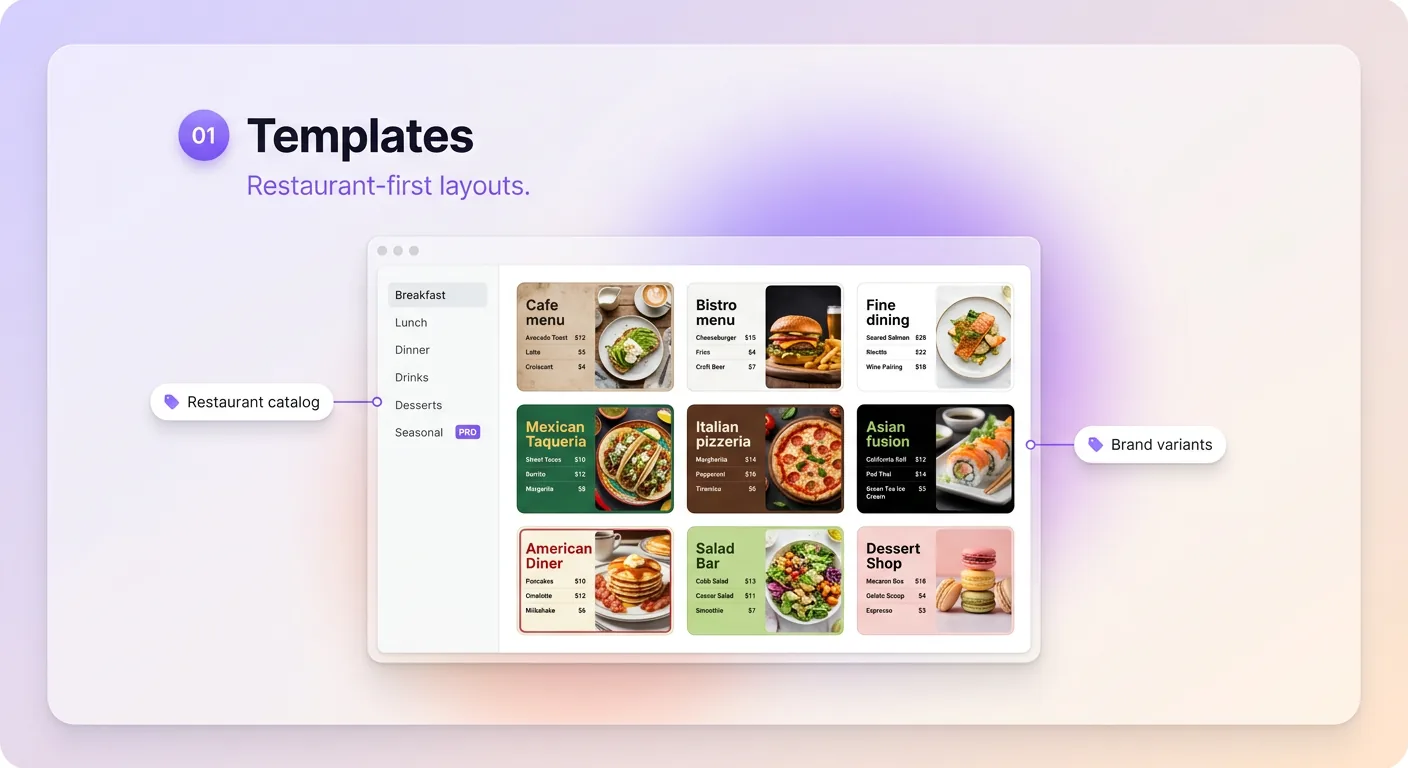
Templates
restaurant-first layouts. Pick one, customize in minutes.
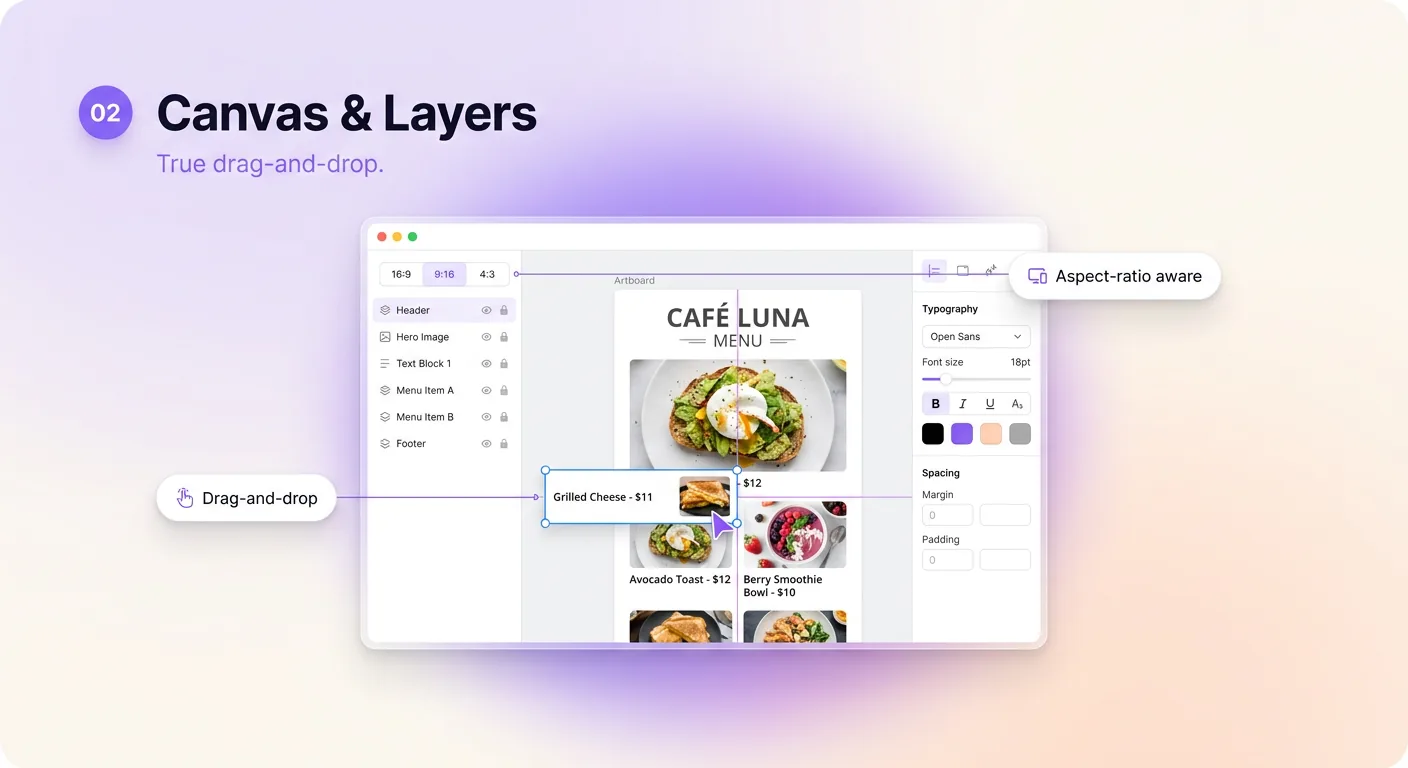
Canvas & Layers
True drag-and-drop. If you can use PowerPoint, you can use Studio.
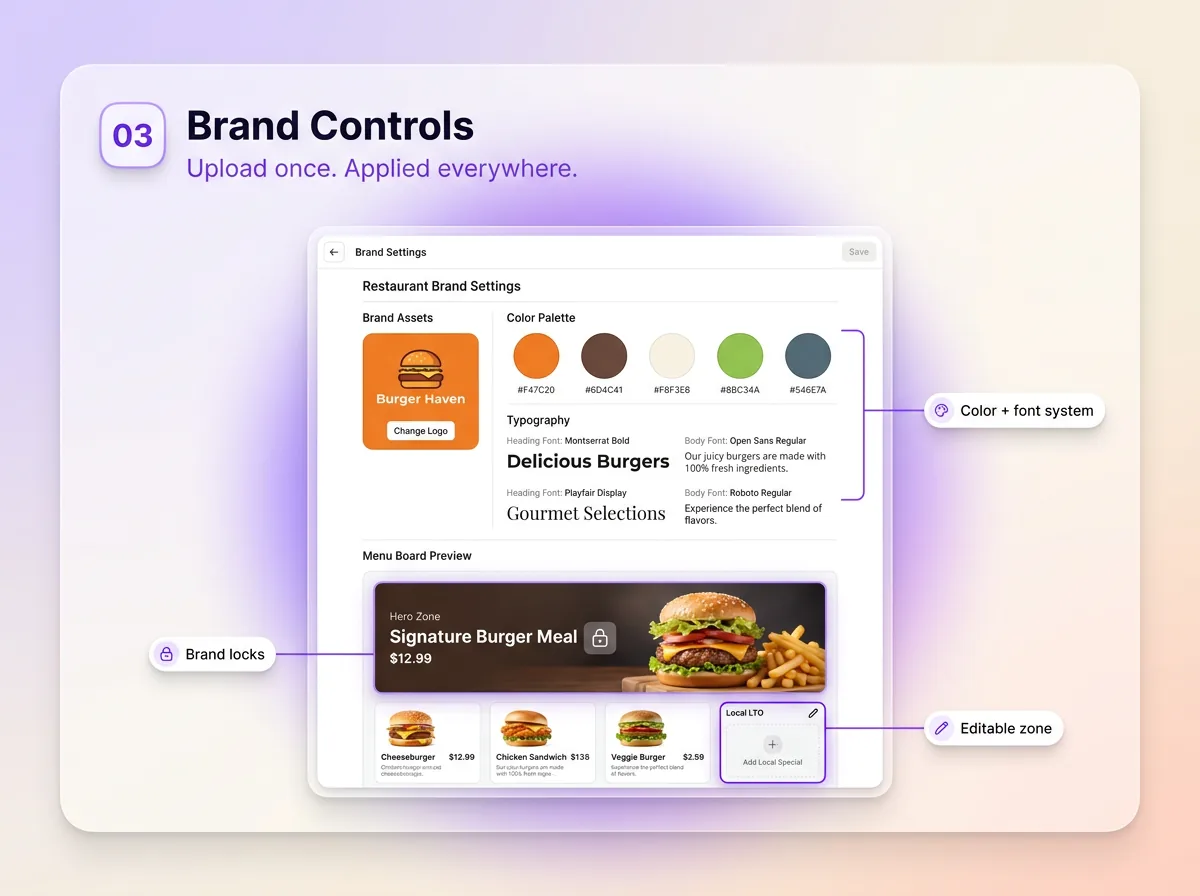
Brand Controls
Upload your brand once and apply it to any design.
Widgets & Animations
Live data, motion, video — no code required.
Collaboration
Invite your team, each with the right role.
Take a 3-minute tour
The screens you spend the most time on.
Built to keep playing
Studio FAQs
Do I need design experience to use MenuPi Studio?
No. Studio is built for restaurant operators, not designers. Start from one of industry templates, swap your prices and photos, and publish.
Can multiple team members edit the same menu board?
Yes. Invite your team and give each person a role: owner, manager, editor or viewer. Every save keeps a version of the design, and you can restore any of them.
Can I import my own brand assets?
Yes. Upload logos in SVG, PNG, or JPG and save your brand colors and fonts as a brand kit. Apply it to any design.
Does Studio work offline?
The editor requires internet. Once a menu board is published, the player caches assets for up to 72 hours and runs through brief outages without blanking your screens.
How is Studio different from Canva or Figma?
Canva and Figma export static images. Studio publishes live, schedulable, POS-synced menu boards directly to your screens — no export, upload, or middleware.
Book a Studio product tour
Free forever on one screen. templates included. Cancel anytime.