Drive-thru boards that keep up with your kitchen.
Combo deals, upsell prompts, LTOs, and daypart switching — all automated. Built for QSR speed.
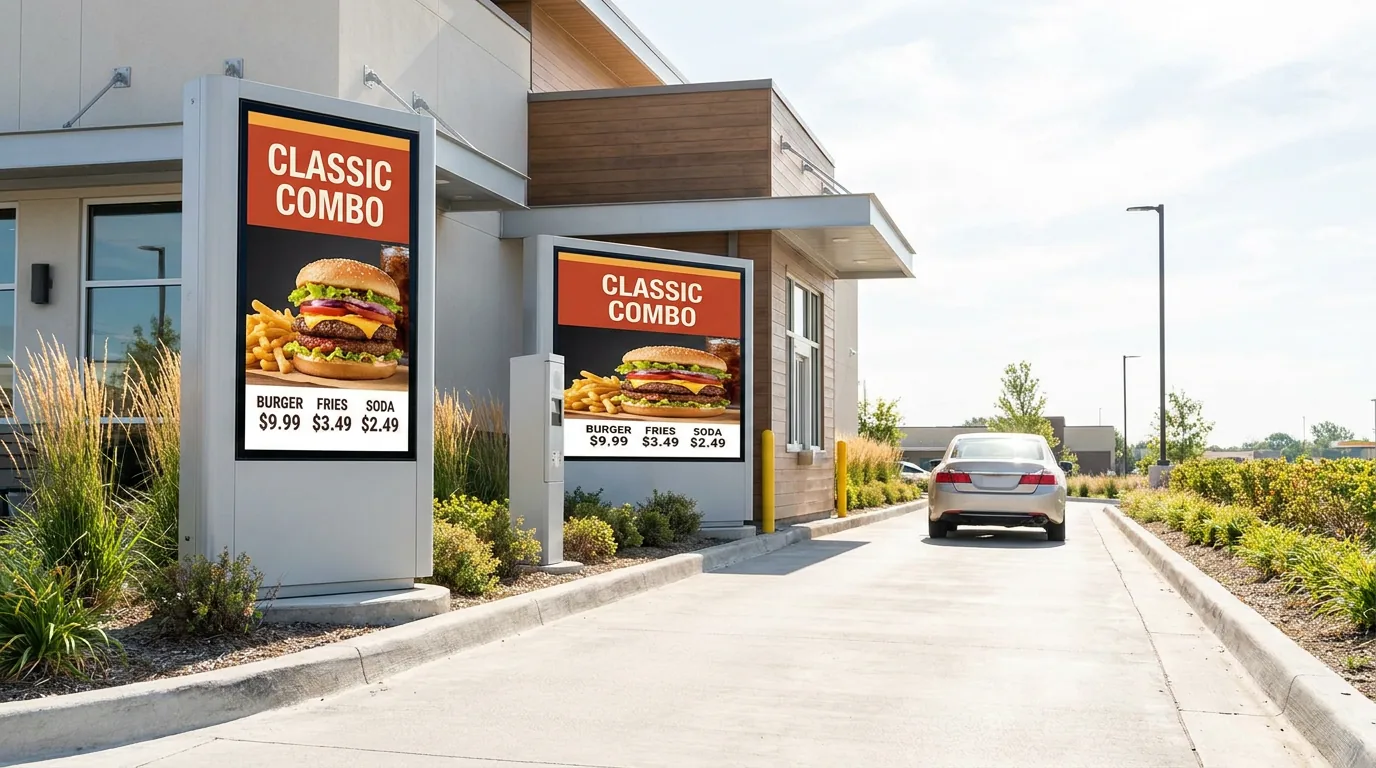
Jobs your QSR signage has to do
Four ops-team-level outcomes MenuPi delivers out of the box.
How QSR teams roll out new menus
Configure
Pick a drive-thru template, drop in your combos, brand colors, hero LTO image.
Schedule
Set breakfast 5:30am, lunch 10:30am, dinner 4pm. MenuPi switches every screen automatically.
Display
Bulk-publish to all locations. Health monitor catches any screen that drops offline.
Built for high-volume, fast-paced environments
Combo Meal Layouts
Pre-built templates for value meals, family packs, and bundles. Highlight savings.
Suggestive Selling
Prompt add-ons at checkout. "Add fries for $1.99?" Increase average ticket size.
Daypart Automation
Breakfast menu until 10:30am, then auto-switch to lunch. Zero manual updates.
LTO Takeovers
Launch limited-time offers across all stores at once. Pull them when the item sells out.
Multi-Store Roll-outs
Publish one template to every store from HQ.
QSR-ready templates
Three combo + drive-thru layouts you can clone today.
QSR FAQs
Does MenuPi support drive-thru screens?
Yes, for menu and presell boards. Order-confirmation screens that mirror a live order from your POS or KDS are not built.
How does MenuPi handle daypart menu changes for breakfast / lunch / dinner?
Set the menu schedule once — breakfast 5:30-10:30am, lunch 10:30am-4pm, dinner 4pm-close. MenuPi swaps the layout across every screen automatically. Override per location for testing or local events.
Can I launch an LTO across all my QSR locations at once?
Yes. Build the LTO once, publish it to all your screens, and schedule its start and end dates. Items marked sold out in your POS show as sold out on the board.
Which POS systems work best for QSR?
Square is live in production. Connectors for Toast, Clover, Lightspeed, Revel, TouchBistro, Loyverse, Epos Now, SpotOn and Lavu are built but not yet verified on a live account; Aloha/NCR and Oracle MICROS need a partner agreement first. Square changes arrive by webhook; other connections are checked every 5 minutes.
Can outdoor drive-thru digital menu boards handle direct sunlight?
Yes — pair MenuPi with a sunlight-readable, high-brightness commercial display (1500-2500 nits) and an IP65-rated outdoor enclosure.
Talk to a QSR signage expert
See how MenuPi handles your busiest drive-thru rush.